
The Modern Front End for Databuild
Tired of waiting for a Databuild upgrade? DBx BOQ gives you a powerful, modern interface that sits directly on top of your existing Databuild SQL Server databases. No migration, no disruption — just a better experience.
How DBx BOQ Works with Databuild
Your data stays exactly where it is
Your Databuild SQL Server
DBx BOQ connects directly to your existing system database (e.g. CROWNESYS) and job databases (e.g. CROWNEJOB). Your catalogues, suppliers, jobs, and BOQ data are read and written in real-time. Nothing is copied or migrated.
DBx BOQ Desktop
A modern Windows application built with Vue 3 and AG Grid. Runs alongside Databuild — changes in either app are immediately visible in the other. No sync required, no migration, no downtime.
Optional Cloud Integrations
Add cloud features when you're ready: Google Drive & OneDrive document storage, Gmail email integration, zzTakeoff quantity takeoff, and more. Your SQL Server data stays on your local network.
Built for Databuild Professionals
Everything you need to manage Bills of Quantities, procurement, and claims
Modern BOQ Editor
A high-performance spreadsheet interface powered by AG Grid. Edit quantities, descriptions, and prices with the speed of a desktop application. Enter mathematical formulas directly in quantity fields — no more switching to a calculator.
- Formula support:
10*2.5,sqrt(144),PI*r^2 - Cost centre navigation panel with budget indicators
- Recipe explosion into sub-items
- Drag-and-drop item reassignment
- Excel quantity import templates
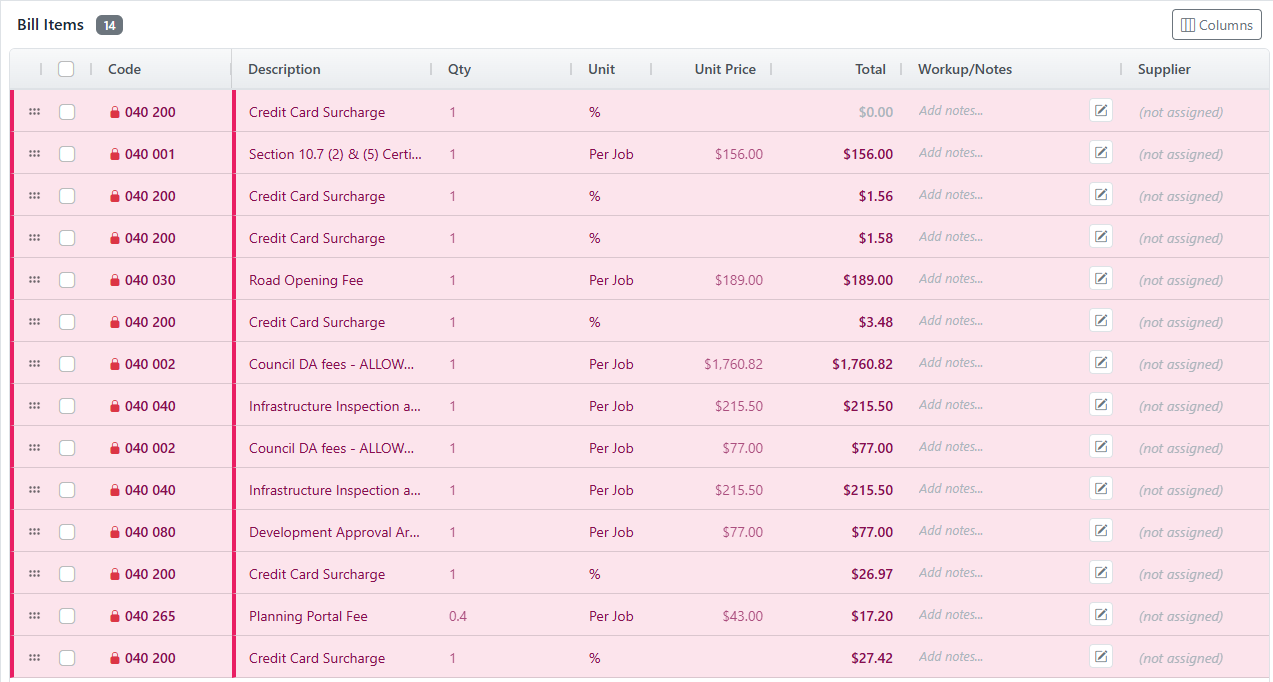
zzTakeoff Integration
Direct integration with zzTakeoff quantity takeoff software. Send BOQ items to zzTakeoff with one click, perform your measurements on the plans, and receive the quantities back into your bill. No manual data entry between systems.
- One-click item transfer to zzTakeoff
- Bi-directional data flow
- Real-time connection status
- Project and page selection
- Batch item transfer support
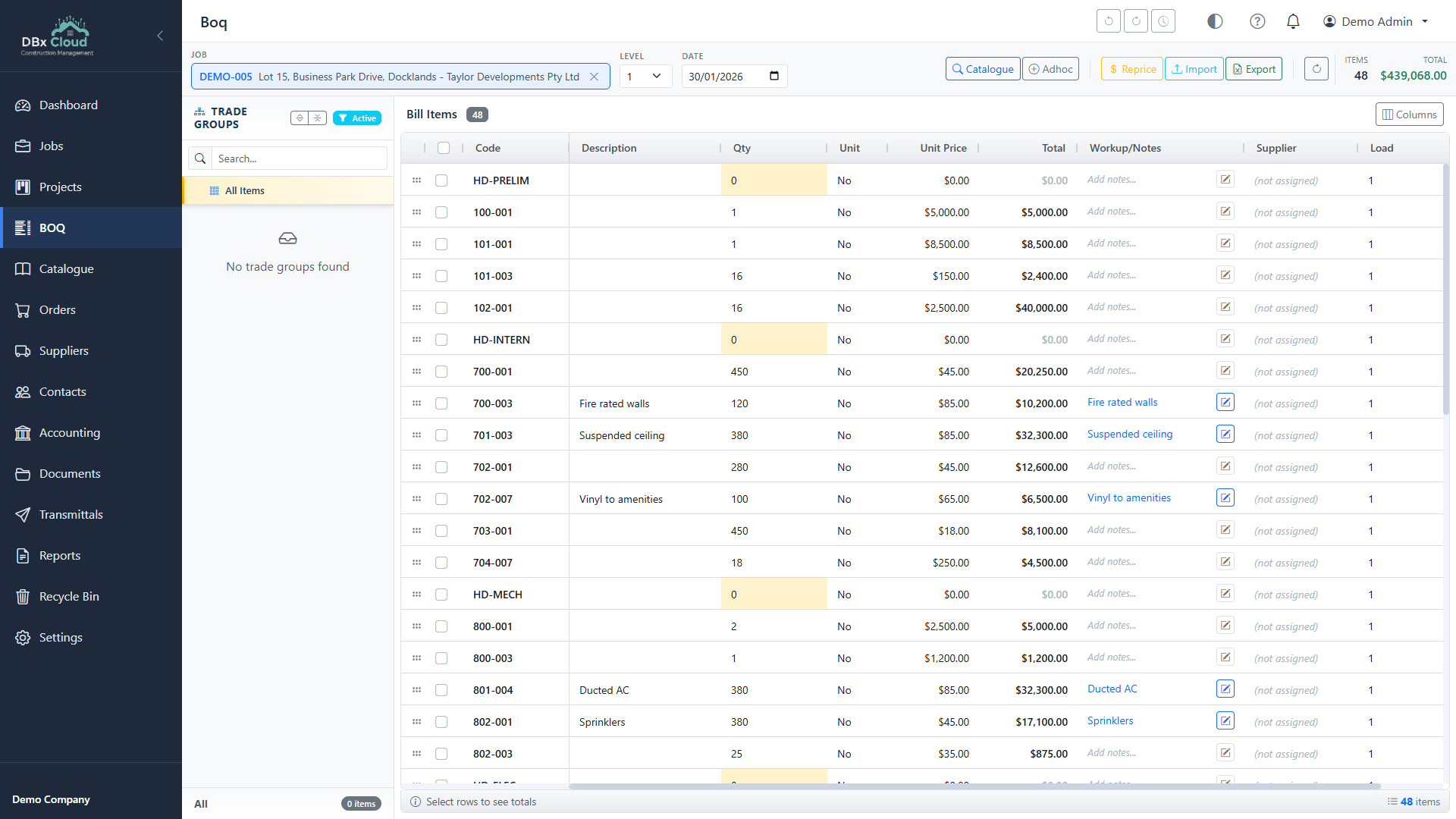
Purchase Order Generation
Generate professional purchase orders directly from your BOQ items. Choose from multiple PDF templates, customise with your company branding, and email directly to suppliers via Gmail integration.
- One-click PO generation from BOQ
- Classic, Modern & Detailed PDF templates
- Gmail email integration with OAuth 2.0
- Batch PO creation for multiple suppliers
- Supplier assignment per cost centre
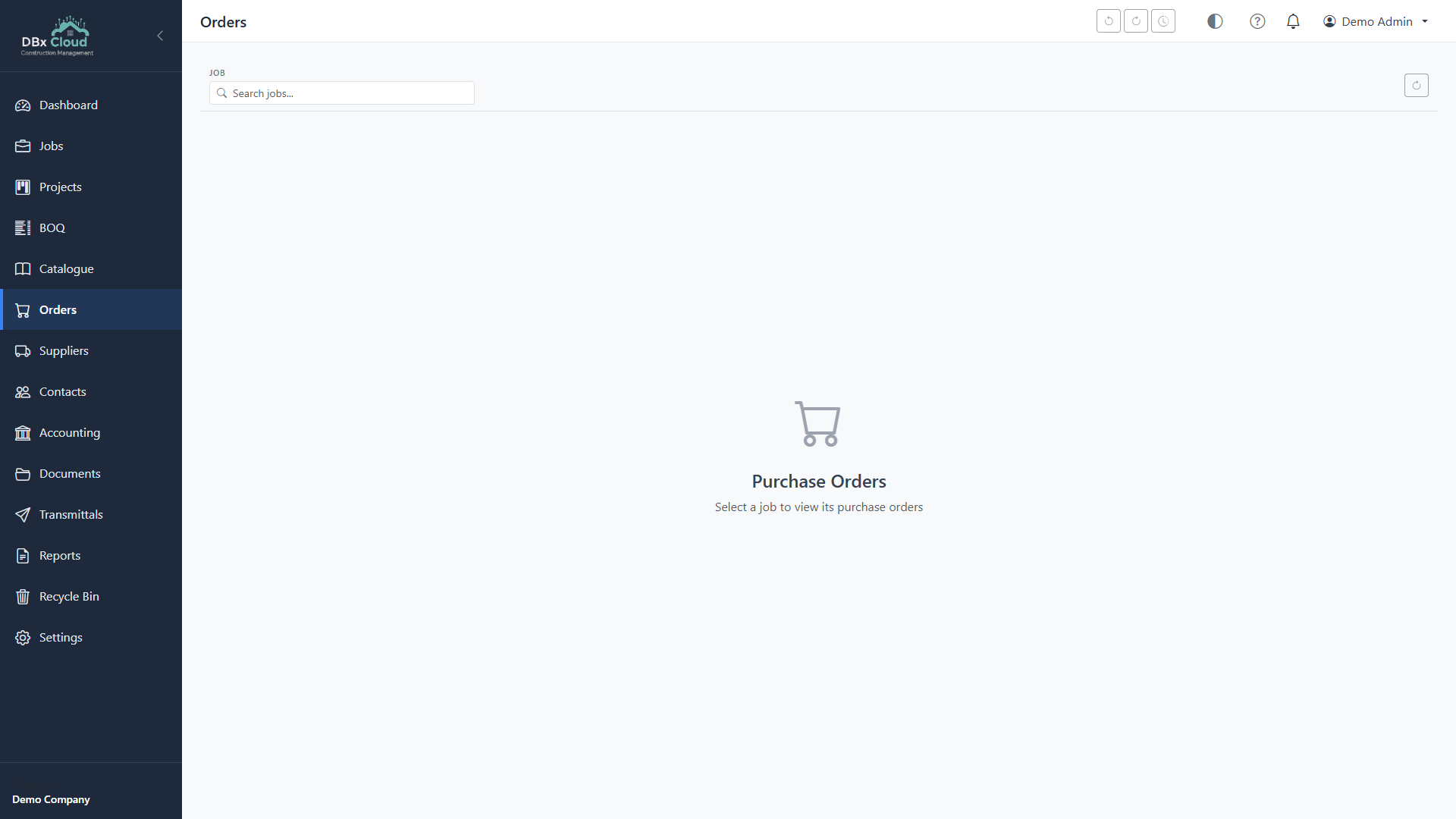
Claims & Contract Management
Complete progress claims with retention, cost-plus billing, and contract variations. Every transaction has a full audit trail. Track receipts, match payments, and keep your financials accurate.
- Progress claims with retention tracking
- Cost-plus contract billing
- Contract variation orders
- Complete audit trail on all transactions
- Payment receipt tracking and matching
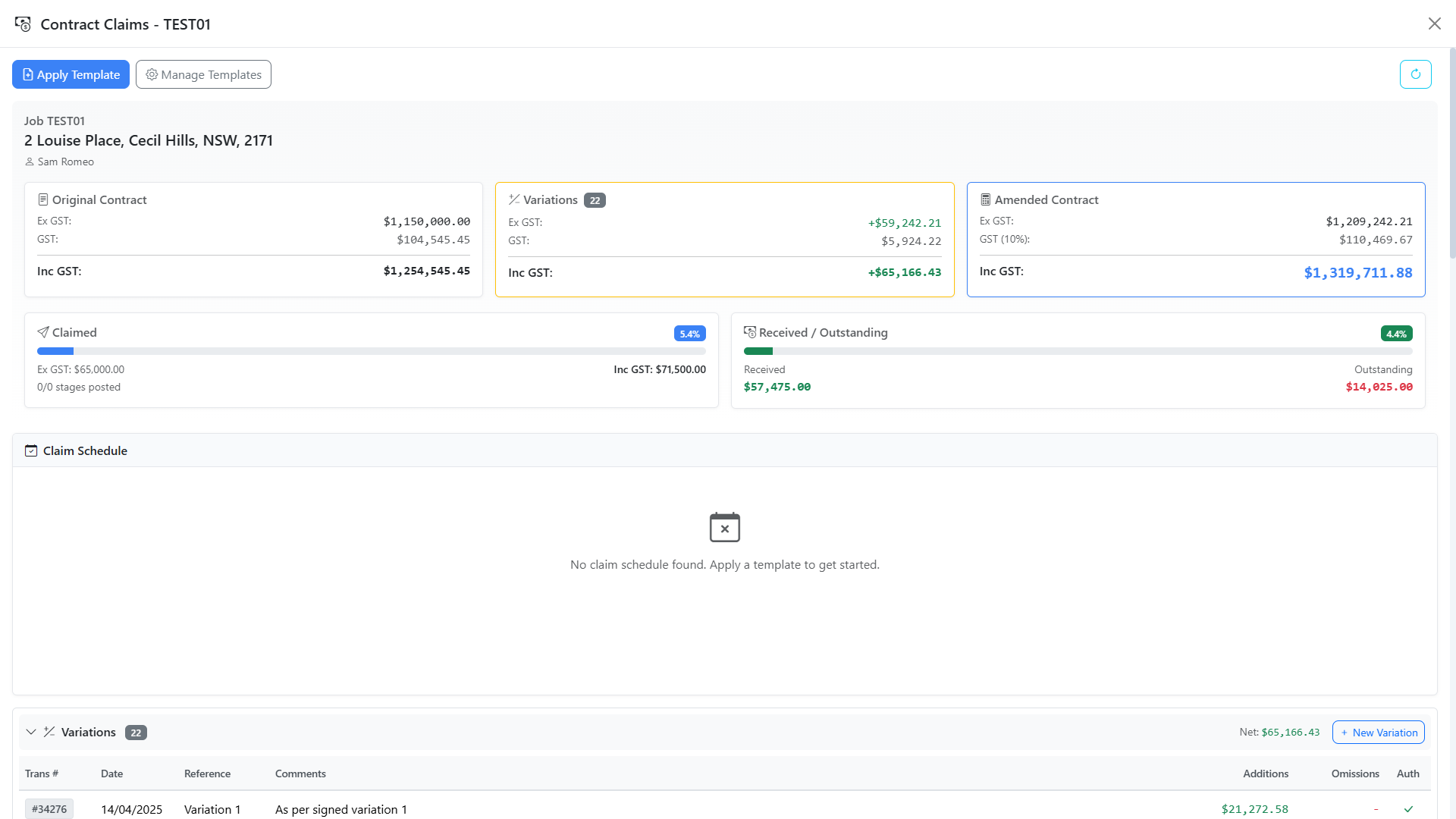
Catalogue & Pricing
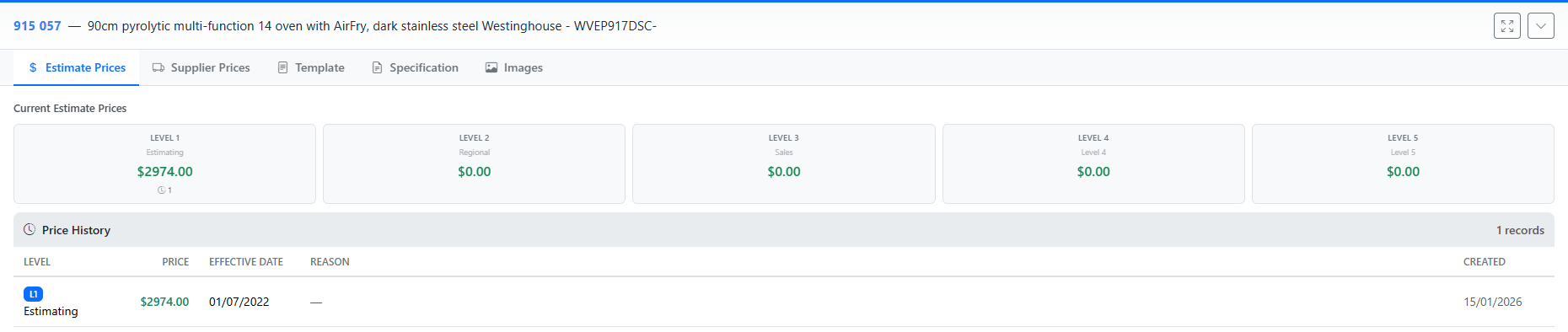
Browse and manage your full Databuild price catalogue. Maintain multiple price levels (Estimating, Regional, Sales), track supplier-specific pricing, and manage recipes with their ingredient breakdowns.
- Multi-level pricing (Estimate, Regional, Sales)
- Supplier-specific price tracking
- Recipe ingredient management
- Price history with effective dates
- Bulk price change operations
Document Management
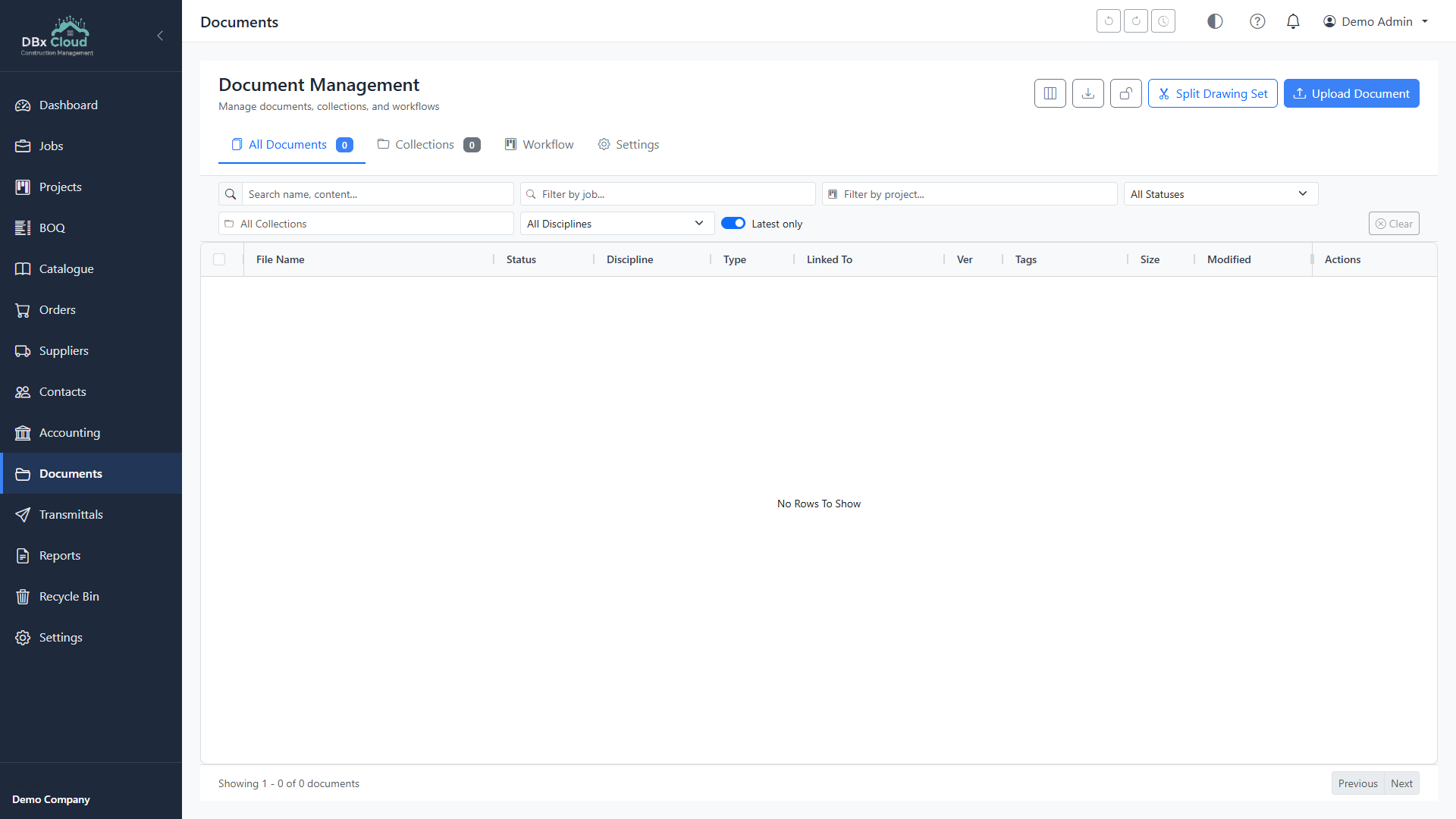
Integrate with Google Drive and Microsoft OneDrive for cloud document storage. Auto-organise files by company, job, and category. Generate documents from templates with job data auto-populated.
- Google Drive & Shared Drive support
- OneDrive & SharePoint integration
- Google Docs & Word template generation
- Auto-organised folder structure
- Batch upload of reports and POs
Project Management
Built-in project management tools to keep your construction projects on track. Visualise timelines with Gantt charts, manage workflows on Kanban boards, and track tasks with reusable templates.
- Gantt chart timeline view
- Kanban board workflow
- Calendar schedule view
- Reusable task templates
- Integrated communications panel
Reports & Analytics
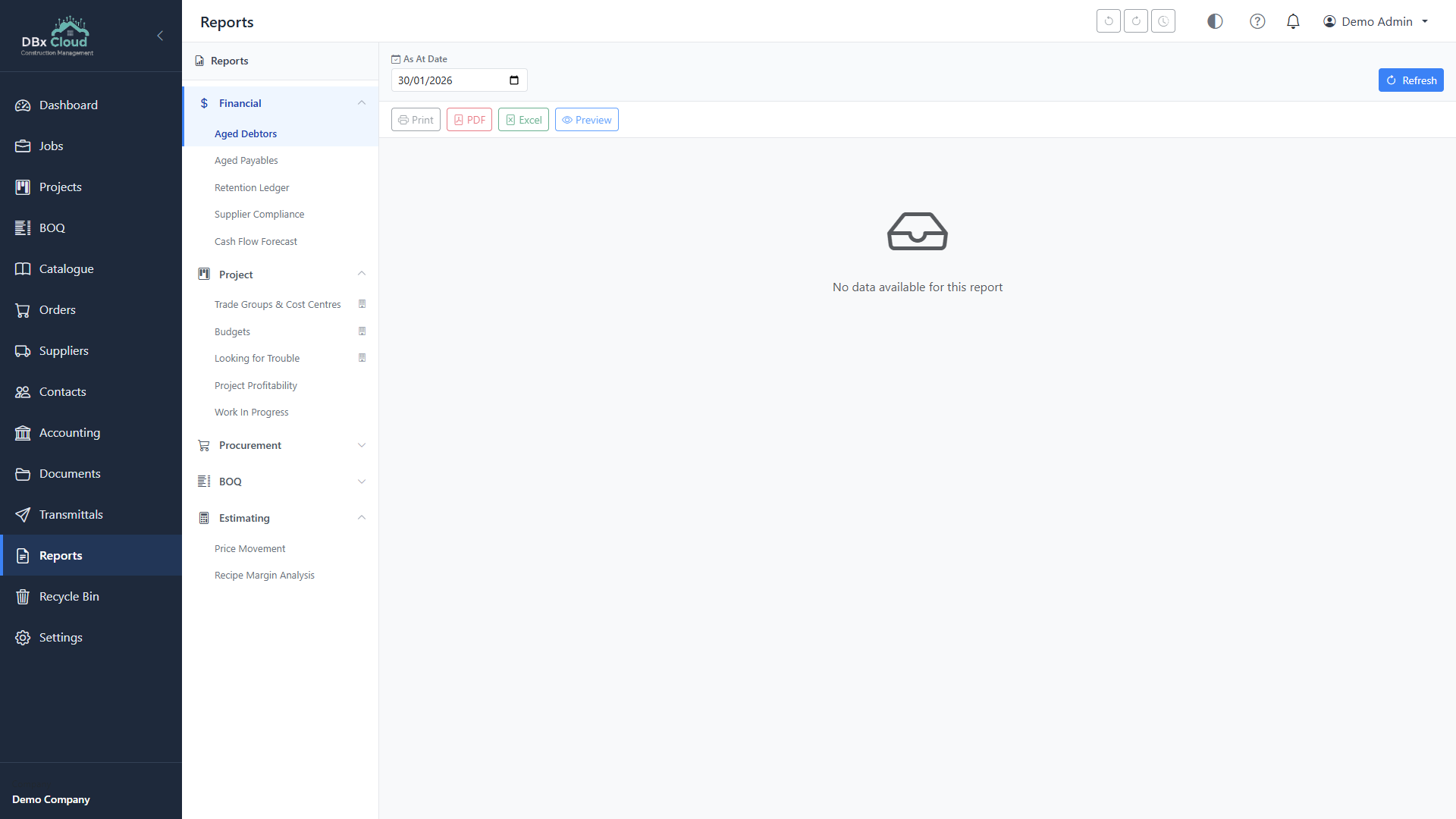
Professional reports in PDF and Excel formats. Generate BOQ summaries, detailed estimates, specification reports, job costing analyses, and budget forecasts. Save report preferences for recurring use.
- PDF & Excel export
- BOQ summary & detailed estimates
- Specification reports for tendering
- Job costing & variance analysis
- Budget forecast reports
Everything You Need in One Application
Additional features that make DBx BOQ a complete construction management tool
Communications
Email via Gmail, SMS, WhatsApp, and phone call logging. Full communication timeline per contact, supplier, or job.
Contacts & Suppliers
Full CRM with ABN lookup, AUS Post address validation, supplier compliance tracking, and duplicate contact merging.
Dark Mode
Full dark theme support throughout the application. Easy on the eyes during long estimating sessions.
Offline Capable
Works without internet. Direct SQL Server connection means your data never leaves your local network unless you choose to use cloud integrations.
Auto Updates
Automatic update checks on startup. When a new version is available, install it with one click. Always running the latest features and fixes.
Keyboard Shortcuts
Power-user keyboard shortcuts throughout the application. Navigate cost centres, edit items, and manage your BOQ without touching the mouse.
Multi-Job Support
Switch between jobs instantly. All your projects are accessible from one interface with quick navigation between BOQ, orders, and claims.
Excel Import/Export
Import quantities from Excel templates. Export BOQ data, reports, and pricing to Excel for analysis, sharing, or integration with other tools.
Desktop or Cloud? Choose What Works for You
Both products are developed by Takeoff and Estimating. Use them separately or together.
| Feature | DBx BOQ Desktop | T&E Cloud |
|---|---|---|
| Database | Your SQL Server (Databuild) | Cloud PostgreSQL |
| Internet Required | No (offline capable) | Yes |
| Installation | Windows installer (~120 MB) | None (browser-based) |
| Multi-user | Single workstation | Team collaboration |
| Data Location | Your local network | Secure cloud |
| Price | Free | Subscription |
| zzTakeoff | Integrated | Coming soon |
| Updates | Auto-update | Always latest |
System Requirements
What you need to run DBx BOQ Desktop
Operating System
- OS: Windows 10 or later
- Architecture: 64-bit (x64)
- RAM: 4 GB minimum
- Display: 1280x720 minimum
Database
- SQL Server: 2012 or later
- System DB: Databuild system database
- Job DB: Databuild job database(s)
- Auth: SQL or Windows auth
Disk Space
- Installer: ~120 MB download
- Installed: ~200 MB
- Data: Stored in SQL Server
- Cache: Minimal local storage
Network
- LAN: SQL Server must be accessible
- Internet: Optional (for cloud features)
- Ports: SQL Server default (1433)
- Firewall: Allow SQL Server traffic
Frequently Asked Questions
DBx BOQ reads and writes data to your existing Databuild tables but does not alter the database schema. It works alongside Databuild — you can use both applications simultaneously. Changes made in either app are immediately visible in the other.
Yes, DBx BOQ Desktop is completely free to download and use with no time limits. We also offer T&E Cloud (subscription-based) for teams who want cloud-based collaboration, dashboards, and document management, but the desktop app is free forever.
No. DBx BOQ connects directly to your local SQL Server instance. Internet is only needed for optional cloud features like Google Drive integration, Gmail email sending, zzTakeoff, and automatic updates.
Absolutely. Both applications connect to the same SQL Server databases. You can have Databuild and DBx BOQ open simultaneously. Changes made in either application are immediately available in the other — no sync or refresh needed.
On first launch, enter your SQL Server name (e.g. DESKTOP-PC\SQLEXPRESS), your credentials, and select your system and job databases from the dropdown. DBx BOQ auto-detects available databases on the server. Setup takes less than a minute.
zzTakeoff is a quantity takeoff tool for measuring construction plans and drawings. DBx BOQ integrates directly — select items in your BOQ, send them to zzTakeoff for measurement, then receive the calculated quantities back into your bill. No manual re-entry required.
DBx BOQ checks for updates automatically on startup. When a new version is available, you'll see a notification with the option to download and install. Updates are downloaded from our secure release server and install in under a minute.
Ready to Modernise Your Databuild Workflow?
Download DBx BOQ free and start using it today. No licence fees, no time limits.
Questions? We're Here to Help
Call us on 1300 818 620 or get in touch for a personalised demo of DBx BOQ Desktop.