Free desktop app · Windows

DBx Desktop

Tired of waiting for a Databuild upgrade? DBx Desktop sits directly on top of your existing Databuild SQL Server database — no migration, no disruption, just a better day-to-day experience for estimators. Free, forever.

Free · Windows 10+ · Works with your existing Databuild database
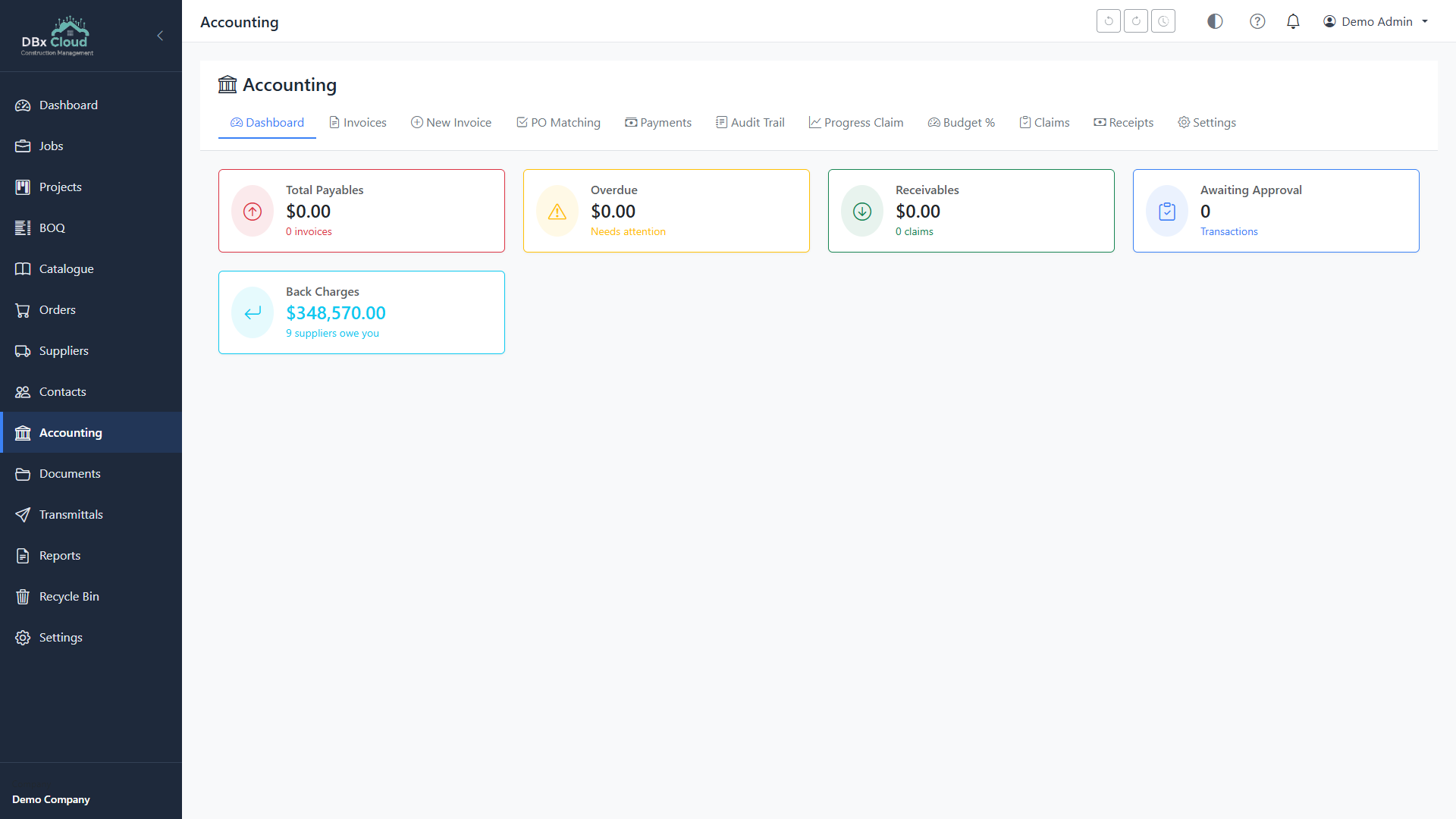
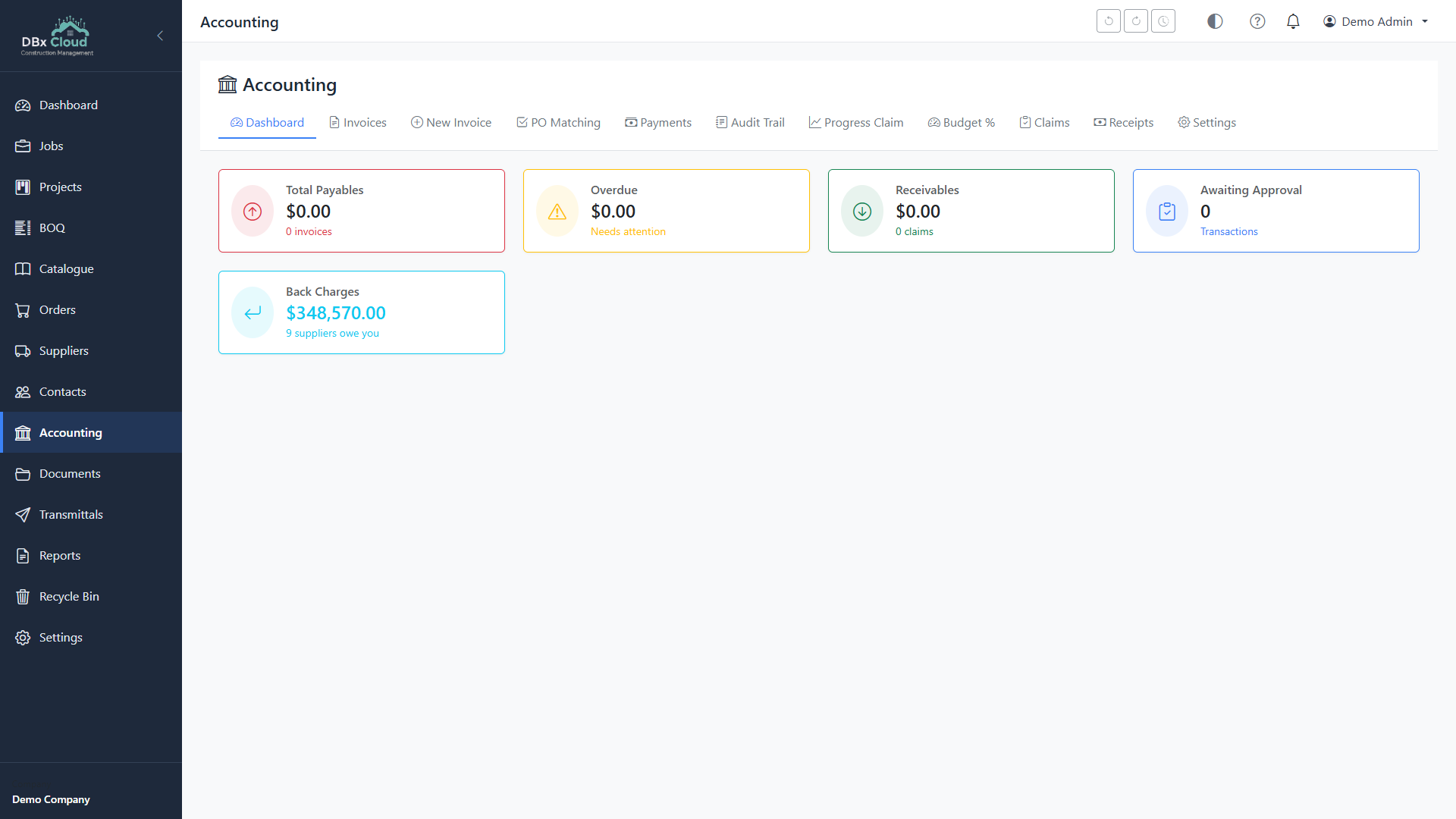
DBx Desktop accounting screen showing the invoice ledger with supplier matching and outstanding balances
Screenshots

What it actually looks like.

No mock-ups — these are screen captures of DBx Desktop running against a real Databuild SQL Server database.

DBx Desktop dashboard showing job KPIs, recent activity and outstanding claims
Dashboard At-a-glance view of active jobs, KPIs and recent activity.
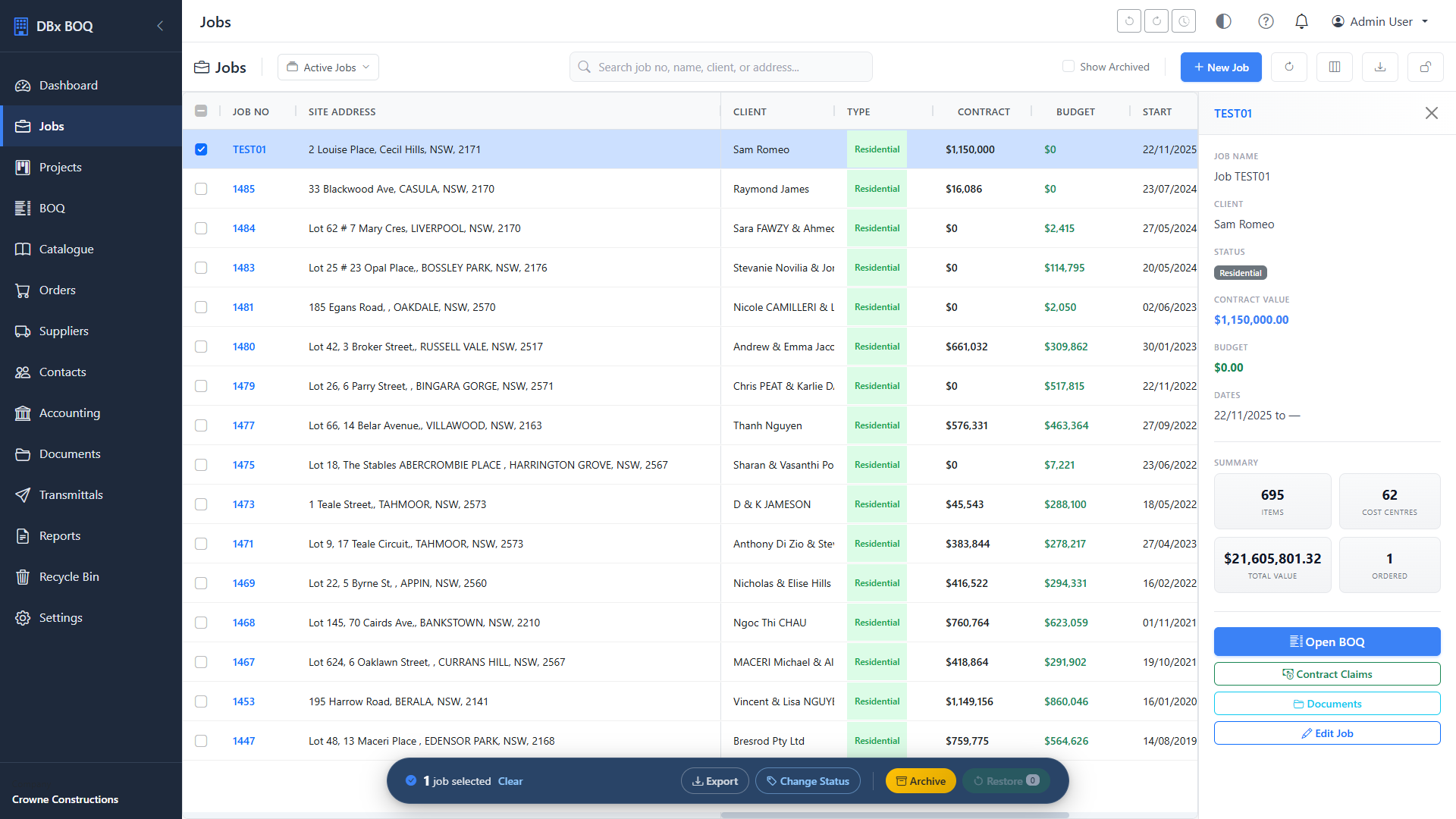
DBx Desktop jobs list with project status, contract value and BOQ totals
Jobs All projects in one place — filter by status, client or stage.
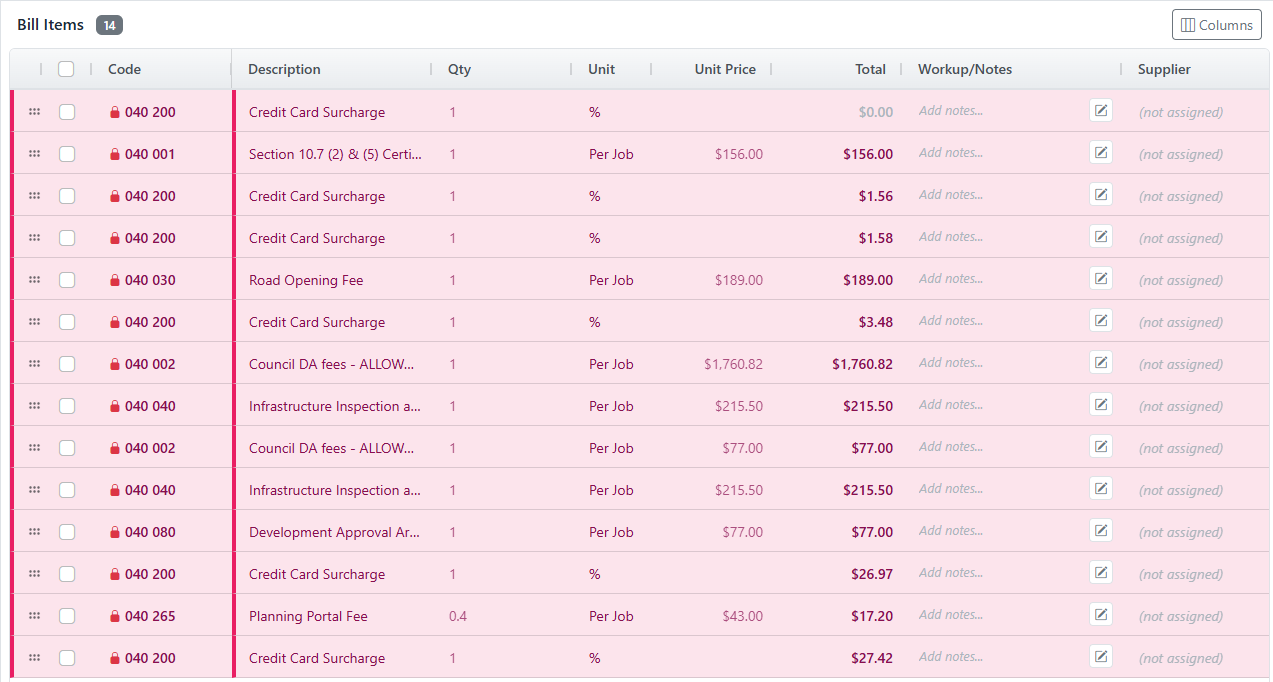
DBx Desktop BOQ editor with cost centres, line items and live calculations
BOQ editor Spreadsheet-grade grid with formulas, revisions and supplier links.
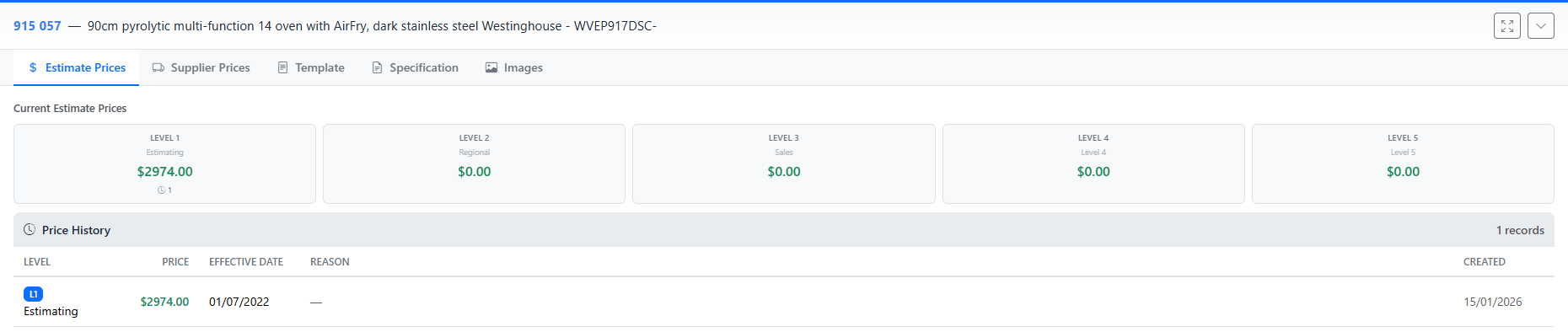
DBx Desktop catalogue with 5-level pricing and supplier price history
Catalogue 5 price levels per item plus running supplier price history.
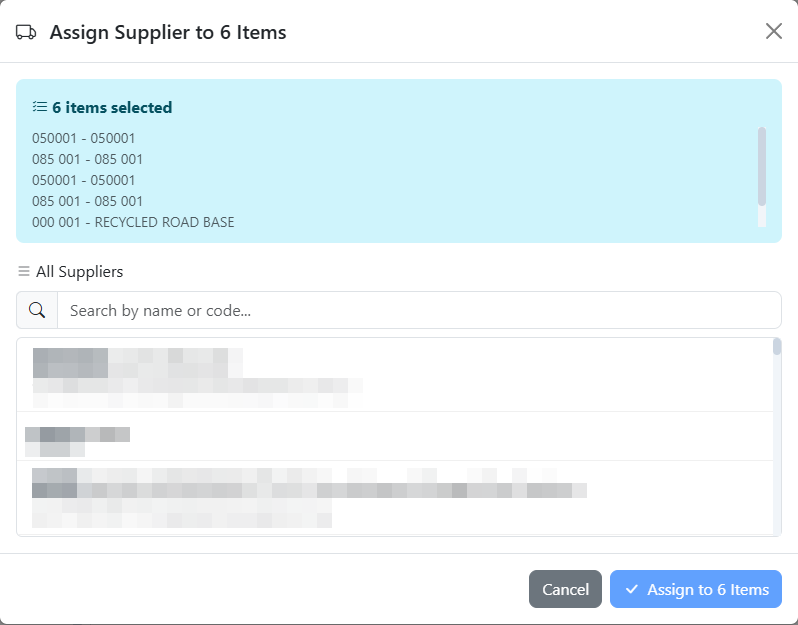
DBx Desktop purchase order generation with supplier price overrides
Purchase orders Generate POs against any BOQ item with b-load grouping.
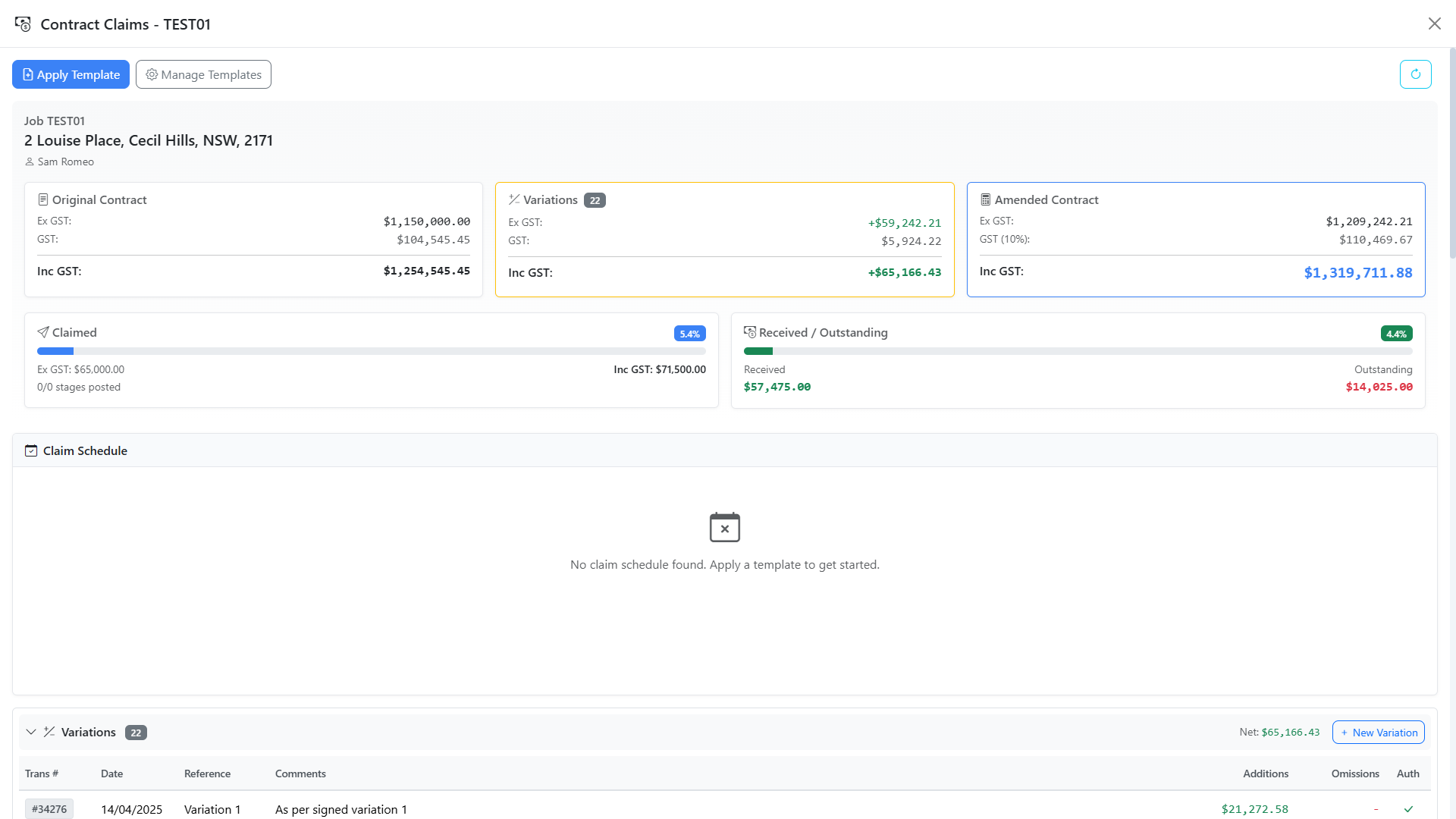
DBx Desktop progress claims with retention and variations
Progress claims Stage-based templates, retention, GST and variations all handled.
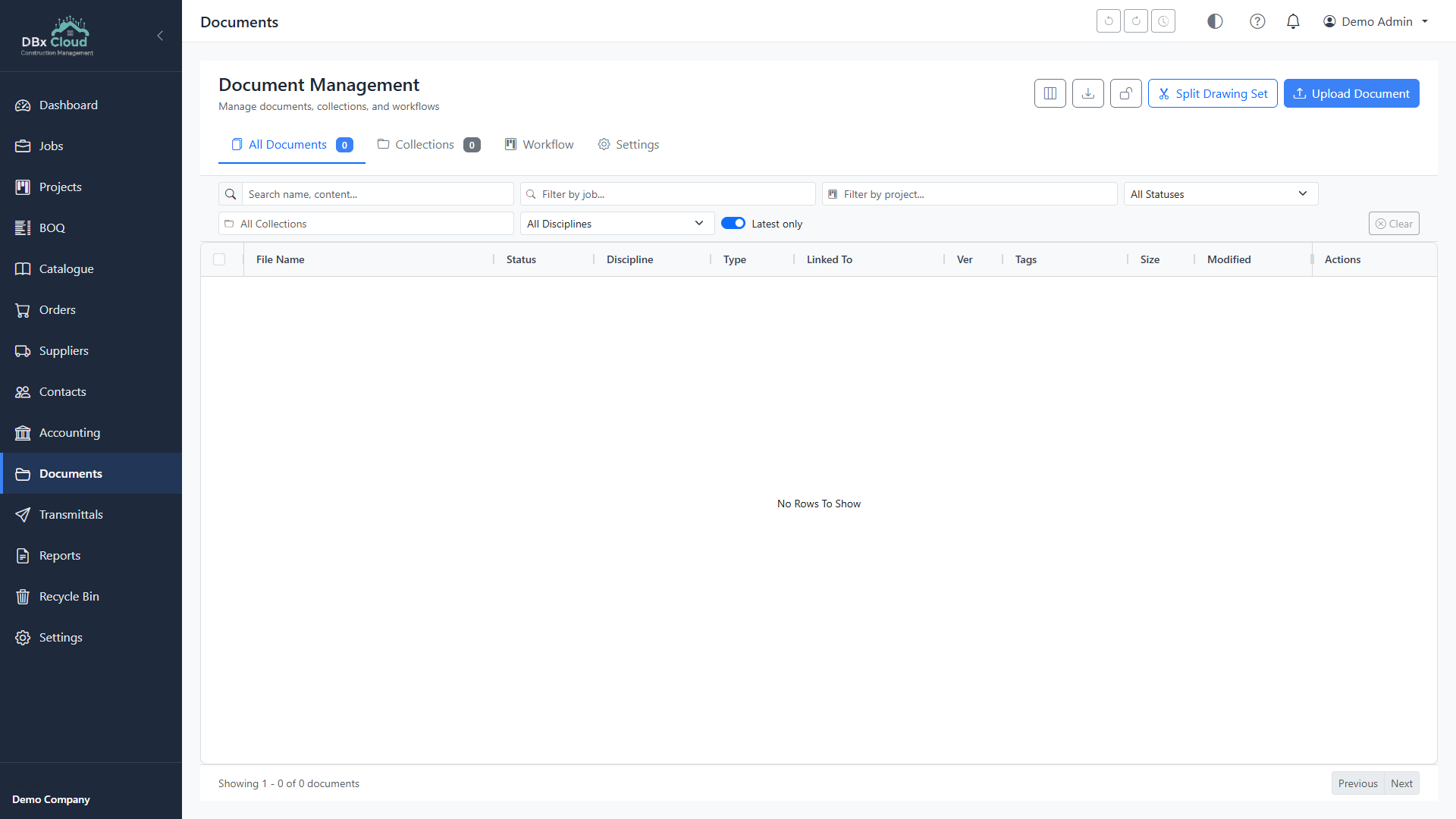
DBx Desktop document library with PDF markup and OCR
Documents Per-job library with PDF markup, OCR text and SHA-256 dedup.
DBx Desktop accounting view with progress claim history and matching
Accounting Invoice matching, payment batches and contract-claim ledger.
Who it's for

If you run Databuild, you don't need to leave it.

Long-time Databuild user

Years of price lists, suppliers and templates already in Databuild. DBx Desktop reads and writes the same SQL Server tables — nothing changes underneath.

Builder waiting on a UI refresh

The Databuild client hasn't moved in a while. DBx Desktop gives the same data a modern editor, faster searches and proper revisions — without forcing you off the platform.

Estimator who wants more from the tool

zzTakeoff integration, supplier price tracking, purchase orders and claims — features the Databuild client doesn't have, layered on top of the data it already manages.

Features

Everything a Databuild estimator
has been asking for.

Modern BOQ editor

Spreadsheet-grade grid with formulas, copy-paste from Excel, in-line editing, fuzzy search, and revisions on every line.

zzTakeoff integration

Quantities flow straight from your zzTakeoff measurements into the BOQ. No re-keying, no transcription errors.

Purchase orders

Generate POs against any BOQ item or cost centre. Supplier price overrides, b-load grouping, PDF export to email.

Claims & contract management

Progress claims with retention, GST, variations and stage-based templates. Keeps the contract value and claimed-to-date in lockstep.

Catalogue & pricing

5 price levels (Estimate, Regional, Sales, etc.), running price history per supplier, and supplier-vs-estimate variance reporting.

Documents & markups

Per-job document library with PDF markup, OCR text extraction and SHA-256 deduplication so you don't store the same drawing twice.
How it fits

Sits on top of your existing Databuild.

DBx Desktop reads and writes the same SQL Server database your Databuild client uses. Both can run side by side. Switch between them per job, per user, or move across entirely — your call.

Your Databuild SQL Server

Stays exactly where it is. No data migration, no schema changes, no licensing change with Databuild.

DBx Desktop

Connects to your SQL Server with the same Databuild credentials. Reads and writes via the same tables. Installs in minutes on Windows 10+.

Optional cloud integrations

Sync jobs / BOQs to costed.app for mobile access, claim portals, and team collaboration. Your Databuild SQL stays the source of truth.

No catch · No licence · No expiry

Download DBx Desktop free.

Windows 10+ · ~120MB · Works alongside your existing Databuild client.